How to Organize Notes Within a Cooking App
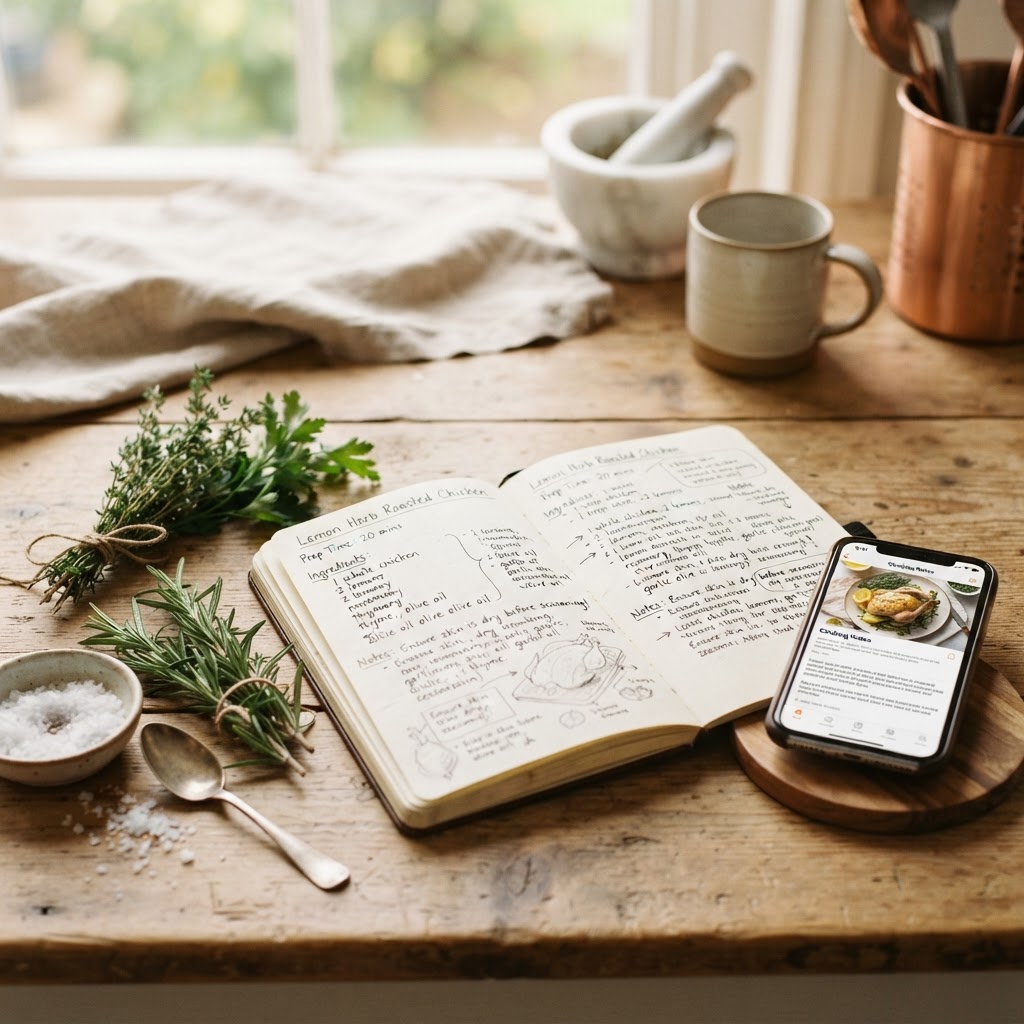
Your best cooking ideas rarely happen at a desk. They happen mid-sauté, with one hand on a spoon and a tweak you don’t want to forget. If your culinary notes are scattered across napkins, camera rolls, and a dozen screenshots, you need a recipe organizer built for the way cooks actually think.
Capture in every format you cook in
A cooking app worth using has to meet you in the moment, in whatever form the idea arrives:
- Voice. Talk through a dish as you make it — voice-to-text capture turns spoken notes into structured recipes.
- Photos. Snap a family recipe card and let AI pull the text — no retyping. See how to digitize handwritten recipes without rekeying them.
- Manual edits. Tweak any ingredient, step, or note after capture so the record matches what you actually cooked.
Structure beats a wall of text
Notes only help if you can find them later. A real digital cookbook separates ingredients from steps, adds tags, and makes everything searchable. The difference between a notes app and a cooking app is that the cooking app structures recipes for retrieval — search “basil” and every recipe using it surfaces instantly.
One library, not many
The biggest mistake home cooks make is fragmenting notes across apps. A photo here, a voice memo there, a typed note somewhere else. Centralizing everything into one searchable library means your best dishes are never more than a search away — and you stop losing the tweaks that made a recipe great.
The bottom line
Organizing notes in a cooking app comes down to three things: capture without friction, store in a structured way, and search like a human. Get those right and your cookbook becomes a tool you actually use — not a graveyard of forgotten recipes.
Try SayChef free today
Record recipes by voice, organize a digital cookbook, and share with family — all in one app.
Get started free